

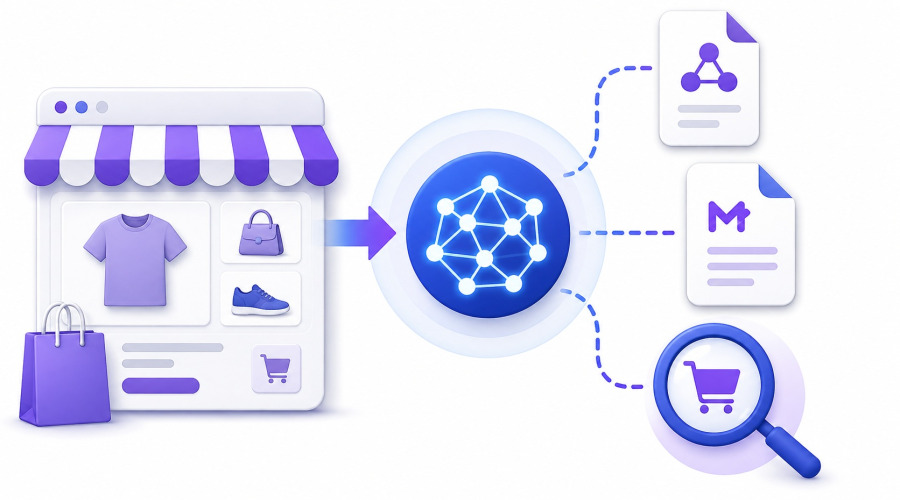


In e-commerce, two terms are often confused: an online store and a website catalog. At first glance, they look similar — products, categories, filters, and product pages. But in reality, they represent different business models.
A website catalog is not a “simplified version of an online store.” It is a separate sales format where the main goal is not to complete a purchase online, but to generate a lead and move the customer into communication with a manager.
In practice, many businesses start with a catalog and later evolve into a full online store. That is why understanding the difference at the design stage is critical.
What a Website Catalog Actually Is
A website catalog is a structured digital showcase of products or services where:
- product listings exist
- categories and filters are available
- product pages include descriptions, images, and specifications
- but there is no mandatory checkout or online payment
The primary conversion goal is not “Buy”, but instead:
- submit a request
- ask for a price
- contact a sales manager
- receive a commercial offer
In essence, it is a lead-generation system built on a product structure, not an automated checkout system.
Why Website Catalogs Exist
The concept of a catalog is not a simplified e-commerce store. It emerged as a response to real business constraints.
There are several reasons companies choose a catalog format:
1. Complex Pricing Models
Prices depend on:
- order volume
- client type
- contract terms
- currency fluctuations
In such cases, fixed online pricing becomes impractical.
2. B2B Sales Model
In B2B:
- purchases are rarely made instantly
- negotiations are always involved
- invoices are commonly used instead of online payments
Here, a catalog serves as the entry point into the sales process.
3. Custom or Industrial Products
For example:
- custom furniture
- industrial equipment
- made-to-order manufacturing
The product exists, but the order process requires consultation.
4. Sales Control Requirements
Some companies avoid full automation because:
- managers must approve deals
- customer verification is required
- margin control is important
Website Catalog vs Online Store
The difference is deeper than simply “checkout vs no checkout.”
Online Store:
- fully automated purchasing process
- fixed and transparent pricing
- integrated payments and logistics
- minimal human involvement
This is a self-service commerce model.
Website Catalog:
- sales happen through communication
- pricing can be dynamic
- managers are involved in every deal
- focus is on consultation and lead handling
This is an assisted commerce model.
Core Structure of a Proper Website Catalog
A well-built catalog is not just a product list.
It includes:
1. Product Catalog
- categories
- subcategories
- filters (attributes and characteristics)
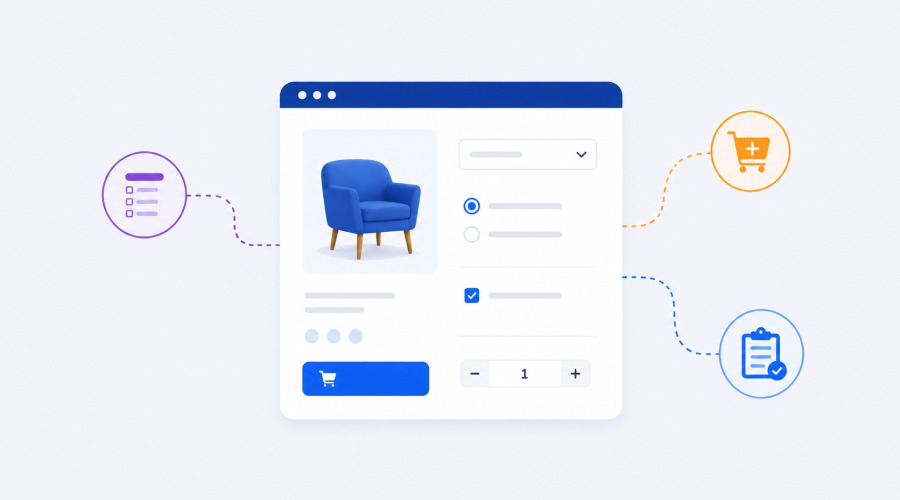
2. Product Pages
Similar to e-commerce stores, including:
- images
- descriptions
- specifications
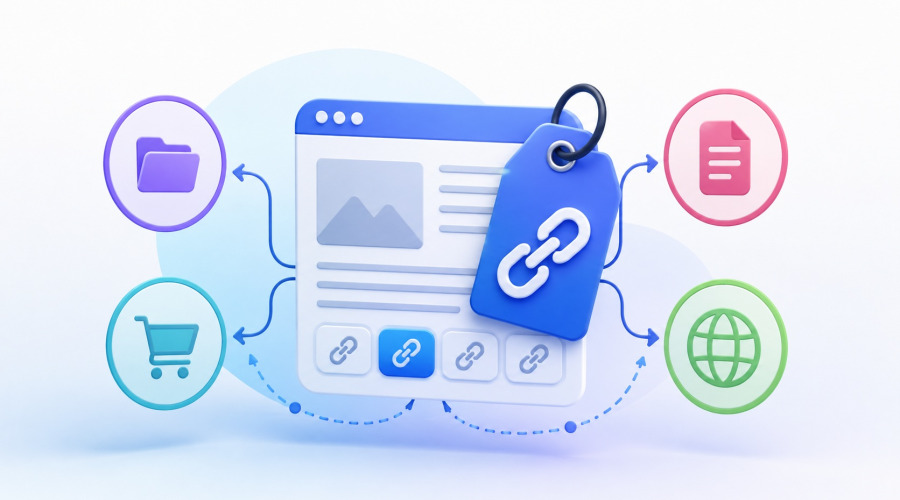
- downloadable documents (PDFs, datasheets)
- related products
3. Lead Generation Mechanism
Instead of a cart:
- “Request a quote”
- “Get an offer”
- “Contact us”
4. CRM Integration
Without this, the catalog has no real business value:
- requests go into CRM
- lead source tracking
- manager assignment and processing
5. SEO Structure
This is a critical part:
- clean URLs
- category landing pages
- indexable filter pages
- unique descriptions for each section
How to Build a Website Catalog
There are three main approaches, but only one is scalable in the long term.
1. Website Builders
Good for testing, but limited.
Drawbacks:
- weak SEO structure
- limited logic and customization
- poor filtering capabilities
- difficult to scale
2. General CMS Platforms
Such as WordPress with plugins.
Pros:
- flexible
Cons: - plugin dependency
- performance issues with large catalogs
- limited product architecture
Suitable for small projects only.
3. Professional E-commerce Platforms (Recommended)
The most reliable approach is using a full e-commerce system.
One of the most effective solutions is PrestaShop.
Why PrestaShop Is Ideal for a Website Catalog
PrestaShop is originally built as an online store engine, but that is exactly what makes it powerful for catalogs as well.
1. Cart and Checkout Can Be Disabled
You can:
- disable payments
- remove checkout flow
- keep only product browsing and inquiry forms
While preserving the full product system.
2. Strong Product Architecture
Out of the box, it supports:
- product combinations
- attributes
- features
- categories
- multilingual content
This is a solid foundation for any catalog system.
3. Scalable Structure
A catalog with 100 products and one with 50,000 products uses the same architecture.
4. Strong SEO Capabilities
Each part of the system is indexable:
- categories become landing pages
- products become indexed entities
- filters can be turned into SEO pages
A website catalog is not a downgraded online store. It is a different sales model entirely.
From a technical perspective, the most stable foundation for such systems is PrestaShop.
