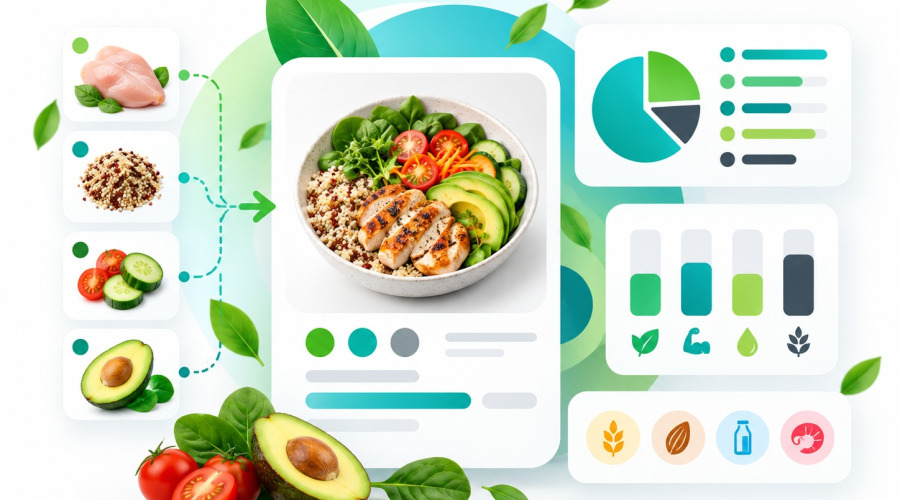




A product page in an online food store should answer more than just “what is it?” and “how much does it cost?”. For food products, ready meals and delivery services, customers also want to know what the product contains, how many calories it has and whether it includes potential allergens.
If the catalogue is small, this information can still be entered manually. But once the store contains dozens or hundreds of dishes, maintaining nutritional information by hand becomes time-consuming, especially when the same ingredients are used across multiple recipes.
What should be displayed on a food product page
For food products, it is useful to show:
- calories;
- protein;
- fat;
- carbohydrates;
- ingredients;
- allergens;
- additional values such as sugars, salt, fibre and saturated fat.
This gives customers the most important product information directly on the product page instead of forcing them to search through a long description.
Whole product or per 100 g
For ready meals, it is often more useful to show nutritional values for the entire product. Customers usually order a complete dish or package, so this format is easier to understand.
At the same time, values per 100 g are useful for comparing different products.
A practical approach is to let customers switch between two views: whole product and per 100 g.
Product ingredients
Ingredients should ideally be displayed close to the nutritional information, especially for prepared food.
For ready meals, you can show not only the ingredient list but also the quantity of each ingredient, for example:
Ingredients:
Chicken breast — 150 g
Rice — 100 g
Tomatoes — 50 g
Olive oil — 10 g
If the store works with recipes, this list can be generated automatically from the ingredients used in the dish.
Allergens
Allergens should be displayed separately from the general ingredient list.
For example:
Allergens: milk, gluten, nuts.
This makes important information easier to notice than if customers have to search for individual ingredients inside a long list.
If allergens are defined for each ingredient, they can also be collected automatically for the finished dish.
Calculating nutritional values from a recipe
For a small catalogue, nutrition facts can be calculated manually. For a larger number of products, it is more convenient to use a reusable ingredient catalogue.
For each ingredient, you only need to define its values per 100 g:
- calories;
- protein;
- fat;
- carbohydrates;
- allergens.
The same ingredient can then be reused in multiple recipes.
For each dish, the manager simply selects the required ingredients and enters their quantities. Nutritional values for the finished product can then be calculated automatically.
This approach is especially useful for restaurants, cafés, food delivery businesses and online stores selling prepared meals.
When automation becomes useful
Automated nutritional calculations are particularly useful when:
- the catalogue contains many prepared meals;
- the same ingredients are used across multiple products;
- recipes change over time;
- values need to be shown both per 100 g and for the whole product;
- allergens need to be managed;
- managers regularly add new dishes.
Instead of entering the same ingredient data repeatedly, ingredients are created once and reused across multiple recipes.
How to implement this in PrestaShop
In PrestaShop, this type of workflow can be handled with a dedicated module that adds ingredient management, recipes, nutritional calculations and allergen information directly to product pages.
Depending on the store layout, nutritional information can be displayed close to the Add to cart area or inside a separate product tab.
Default settings can be used for most products, while individual products can have their own configuration when needed.
For this purpose, Ewonta offers the Nutrition Facts & Ingredients Module for PrestaShop, which supports manual data entry, recipe-based calculation, a reusable ingredient catalogue, allergens and automatic ingredient list generation.
Nutrition facts, ingredients and allergen information make food product pages more informative and help customers understand what they are buying.
For the store owner, using recipes and a reusable ingredient catalogue reduces repetitive manual work and makes it easier to keep product information up to date, even with a large catalogue.
Module >